

Ask Gemini and ChatGPT the same question, and you can get two answers that disagree. One may use newer sources, while the other may explain the subject better. Neither makes it clear which details you should trust. That is the real problem: both look capable until the work matters.
The Gemini vs ChatGPT decision goes beyond answer quality. Gemini connects to Google Search, Gmail, Drive, Docs, Maps, and Android. ChatGPT combines research, coding, files, images, and connected apps. The better assistant is the one that finishes your work with fewer mistakes or extra steps.
In this review, we’re going to compare ChatGPT vs Gemini for everyday work, research, writing, coding, integrations, multimodal features, and pricing. We’ll show where each one wins, where it falls short, and which is worth paying for.
Is Gemini better than ChatGPT? Not across the board. Gemini is the better choice when your work already lives in Google. It can use Gmail, Drive, Docs, Calendar, Maps and Android with less setup. ChatGPT is the stronger all-rounder. Its research, coding, file, image and connected-app tools cover a wider mix of work, and independent model tests give OpenAI’s strongest model the lead in complex reasoning and coding. Our verdict is simple:
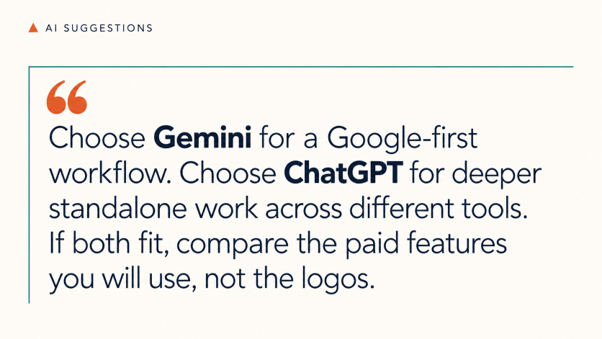
Our full reviews rate ChatGPT 8.6 and Gemini 8.2. Gemini’s Google Docs workflow and generous free tier earn our recommendation, while ChatGPT scores higher for its wider range of work tools.
On paper, these assistants look very similar. The bigger differences appear when we check what they can access, what they can create, and what happens after the first answer.
| Area | Gemini | ChatGPT | Our call |
| Premium model | Gemini 3.1 Pro | GPT-5.6 | ChatGPT leads current reasoning tests |
| Research | Google Search and Deep Research | Web search, Deep Research, files and connected apps | No automatic winner |
| Coding | Chat-based help and Antigravity | Chat-based help and Codex | ChatGPT |
| Google work | Direct access to Google services | Google apps available through connections | Gemini is easier |
| Images and voice | Both included | Both included | Tie |
| Video and music | Available through Google’s creative tools | Not available inside ChatGPT | Gemini |
| Main personal plan | Google AI Pro: $19.99/month | ChatGPT Plus: $20/month | Almost tied on price |
| Best fit | Google Workspace and Android users | People working across different tools | Depends on your workflow |
GPT-5.6 Sol scored 57, while Gemini 3.1 Pro Preview scored 48 on the Artificial Analysis Intelligence Index. This index combines nine difficult tests covering areas such as science, coding, terminal work and complex instructions. A higher score means the model performed better across the full group of tests.
Gemini was faster once it started writing, producing 116 tokens per second compared with ChatGPT’s 75. In plain English, ChatGPT handled the difficult questions better, while Gemini produced its answers faster. These are model results, though. They do not measure the full apps or their integrations.
Gemini can find and summarize information from Gmail, Docs and Drive. It can also manage Calendar events, Tasks and Keep notes. That is useful, but “built into Google” does not mean unlimited control.
Google says the Gemini app cannot access comments or images inside Docs and Gmail. Its Workspace connection also cannot create or delete documents, spreadsheets, PDFs or presentations. Readers should know these limits before choosing Gemini only for the Google name.
Many people still think ChatGPT has no real Google Workspace integration. That is incorrect information. ChatGPT can connect with Gmail, Calendar and Drive. With the correct permissions, its Google Drive connection can create, update, share, move and copy files, including Docs, Sheets and Slides.
The catch is setup. Some actions need approval from both the ChatGPT workspace administrator and the Google Workspace administrator. Gemini remains the easier Google option, but the gap is no longer as simple as competitors make it sound.
For quick questions, planning, summaries, and explanations, both assistants are more than capable. The difference is what they can do with the answer.
Gemini is the better everyday assistant on Android. It can work with Phone, Messages and WhatsApp, as well as Calendar, Tasks, Keep, YouTube Music and supported smart-home devices. Some features vary by phone, account and country, but ChatGPT does not have the same control over Android.
ChatGPT works better when a simple question grows into an ongoing project. Projects keep chats, files and instructions together, while scheduled tasks can run later or repeat. That makes it easier to continue planning a trip, managing a content calendar, or working through a course without explaining everything again.
Our call: Gemini is the better phone assistant for Android users. ChatGPT is better for everyday work that continues over several days or involves different tools.
Both tools can search the web in a normal chat. Both also offer Deep Research for larger jobs that need a plan, several searches and a report with sources.
ChatGPT is our pick for research that mixes websites, uploaded files, and outside apps. Gemini is a better fit when the source material sits in Google Search, Gmail or Drive. Neither should be trusted without opening its citations. A long source list means very little if those sources do not support the claims in the report.
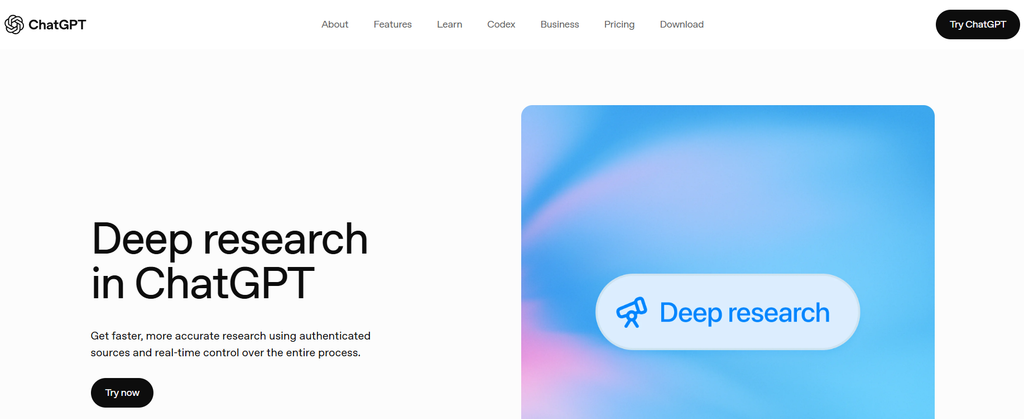
The Gemini vs ChatGPT for research comparison is closer than competitors suggest. Gemini lets you choose Google Search, uploaded files, Gmail, and Drive as sources. You can also review its research plan before it begins. ChatGPT lets you limit research to specific websites, files and connected apps, then interrupt the job if it starts heading in the wrong direction.
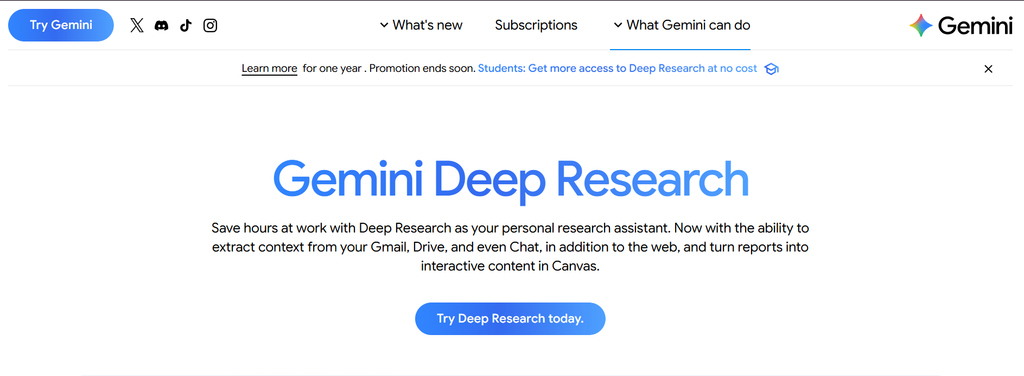
Google Search access does not give Gemini an automatic win. We care more about whether the assistant finds primary sources, links each claim to the correct evidence, and shows conflicting information. That is where a research tool earns trust. If cited web answers are your main priority, our Perplexity review covers a more focused research option.
The usual claim that ChatGPT always writes better does not hold up well in 2026.
Hemingway-bench asked professional writers to judge more than 5,000 blind comparisons covering creative, business, and everyday writing. Gemini 3 Flash and Gemini 3 Pro finished first and second. That blind benchmark measures a particular set of writing tasks. In our own review, Gemini was less consistent on longer drafts and precise tone or formatting instructions.
That result needs one warning: the test included GPT-5.2, not the newer GPT-5.6 family. It proves that Gemini deserves serious consideration for writing. It does not prove that every Gemini draft will beat every current ChatGPT draft.
ChatGPT Projects give individual writers a place to keep samples, source files, and instructions across related drafts. That helps with continuity, but teams needing strict brand-voice control and high-volume production may need a dedicated content workflow.
Our call: Try Gemini when you draft and revise in Google Docs and want current information close at hand. Choose ChatGPT for a broader writing workflow. With either tool, review the draft for accuracy, tone, and missed instructions. For writing where natural voice and careful editing matter most, see our Claude review.
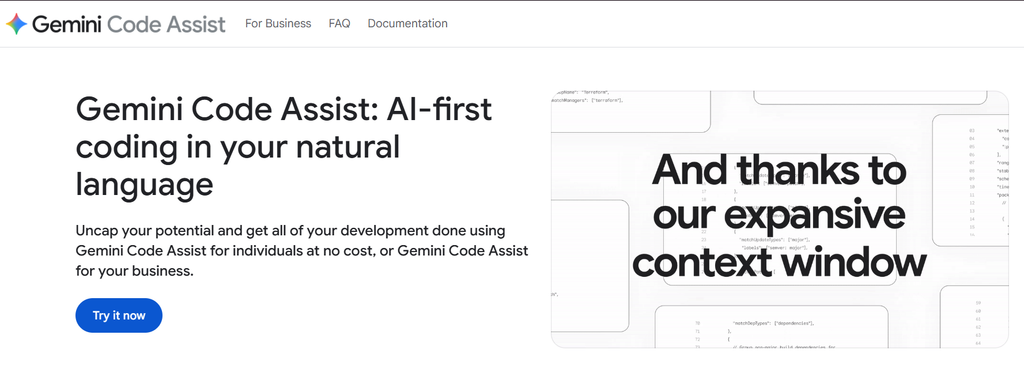
Gemini is good at writing and explaining code, but ChatGPT has the stronger case for work inside a real repository. Codex can inspect files, edit code, run commands and check its own work. Gemini offers similar agent-based work through Antigravity, but current independent tests give Codex the lead on longer coding jobs.
GPT-5.6 Sol scored 80 on the Artificial Analysis Coding Agent Index. This is not the percentage of bugs it fixed. It is a combined score from three tests covering terminal tasks, software changes, and questions about large codebases. GPT-5.6 Sol led all three when used through Codex.
Google’s Antigravity is not a basic code generator. It can manage several agents, run tasks in the background and work across a project. Gemini 3.5 Flash also scored 76.2% on Terminal-Bench 2.1, which tests whether a model can complete jobs through a computer terminal.
Our Gemini vs ChatGPT for coding winner is ChatGPT. Choose Gemini if you mainly prototype with Google AI Studio, Android Studio, or Google Cloud. Choose ChatGPT when the job involves changing, testing, and reviewing an existing codebase. Our Codex review looks more closely at that repository workflow.
Gemini has the cleaner connection to Google’s own services. ChatGPT has the wider business-app list. That is the real split, but the exact apps matter more than either company’s integration count.
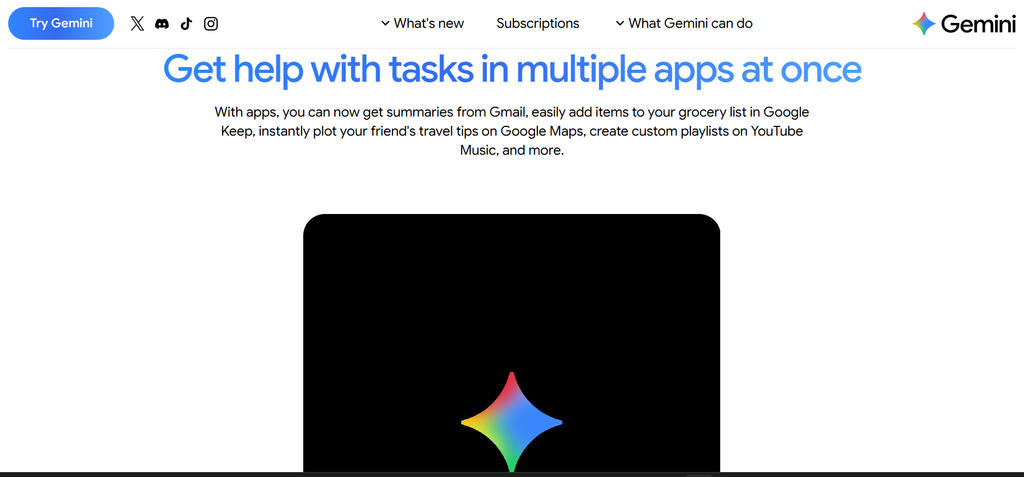
Gemini’s main connected apps and services include:
Availability changes by country, device, account type and subscription. Some connections can only find information, while others can create events, notes or tasks. Google provides a separate requirements table because not every app works in Gemini Chat, Gemini Live and Spark in the same way.
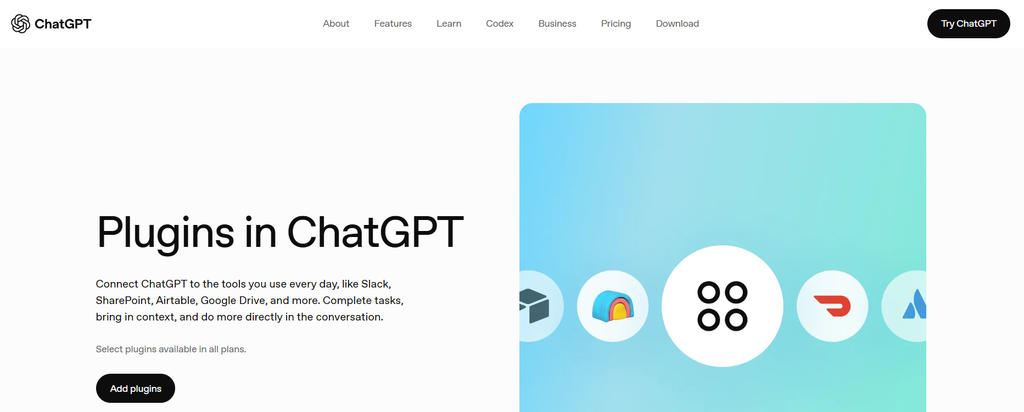
ChatGPT’s built-in and synced app catalogue includes:
These apps can have different permission levels. Some only search or read data. Others can create, edit, or update records after the user approves the action. ChatGPT now groups apps, skills, and reusable workflows inside its Plugin directory, so the available list can also depend on the plugins and plan enabled for the account.
Gemini remains the easier choice for Google Workspace because it is already tied to the same Google account and works inside Google’s wider product family. ChatGPT can now access and update Google files, so it is no longer shut out. However, it may require extra permissions from both ChatGPT and Google Workspace administrators.
Choose Gemini if most of your day stays inside Google. Choose ChatGPT if Google is only one part of a larger stack that also includes Microsoft, Slack, GitHub, CRM software and project-management tools.
“Multimodal” can mean two different things: understanding media and creating it. Competitors often mix these.
Both assistants can understand text, images, screenshots, documents and spoken questions. Gemini can also analyze uploaded videos, while ChatGPT warns that its video analysis may miss parts of a clip or interpret the audio incorrectly. Both mobile apps support voice conversations, live camera input and screen sharing, although plan and regional limits apply.
Both can create and edit images. Gemini goes further by generating video, music, and Audio Overviews through Google’s creative models and tools. ChatGPT no longer has a video-generation advantage because OpenAI discontinued the Sora web and app products on April 26, 2026.
Gemini offers more types of media creation through Google’s wider set of tools. ChatGPT remains the broader work assistant overall, with image creation, voice, research, coding, and analysis in one place. If still images are the main reason you want a subscription, our Midjourney review covers a dedicated image tool.
The prices look close until we compare what each plan includes. Google sells Gemini as part of a wider bundle. OpenAI puts more of the value inside ChatGPT itself.
| Plan | Monthly price | What matters |
| Gemini Free | $0 | Limited access to Gemini models, Deep Research, images, Canvas and Gems |
| Google AI Plus | $4.99 | Higher limits, 400 GB storage, limited video creation and Gemini in selected Google apps |
| Google AI Pro | $19.99 | Higher model limits, 5 TB storage, NotebookLM, Google Flow credits, Workspace features and coding tools |
| Google AI Ultra | From $99.99 | Much higher limits, at least 20 TB storage and wider access to advanced creative and agent features |
| ChatGPT Free | $0 | Everyday chat with limited access to files, images, research and other tools |
| ChatGPT Go | $8 | Higher limits for chat, images, files and data analysis, but no GPT-5.6 Sol |
| ChatGPT Plus | $20 | GPT-5.6 reasoning models, Deep Research, Projects, tasks, custom GPTs, Codex and ChatGPT Work |
| ChatGPT Pro | $100 | Higher limits for advanced models, research, Codex, images and professional work |
Prices shown are for US personal plans and can vary by country. Usage limits still apply to paid accounts.
Google AI Pro offers more bundle value if you need cloud storage, NotebookLM or Gemini inside Google apps. Our NotebookLM review explains what that source-based research tool adds to the bundle. ChatGPT Plus is the better buy if you mainly want stronger reasoning, coding and work tools. Paying $20 for either assistant makes little sense if the free plan already covers your weekly use.
Choose Gemini if:
Gemini makes the most sense when it removes a step from work you already do inside Google. If you still need to copy everything into another app, much of its advantage disappears.
Choose ChatGPT if:
If you are choosing between Gemini or ChatGPT without a strong Google dependency, ChatGPT is the safer all-round purchase.
Gemini is better for Android, Google services and creating different types of media. ChatGPT is better for repository-based coding, ongoing projects and work spread across several apps. Neither wins every category. The right answer depends on where your information lives and what you need the assistant to do after producing its first response.
Yes, if ease of access is the priority. Gemini can find information in Gmail, Docs, and Drive and manage Calendar events, Tasks, and Keep notes. However, its Workspace connection cannot perform every action. ChatGPT now supports Google file actions too, but it may need additional account and administrator permissions.
Not for full software projects. Gemini is capable of explaining code, building prototypes, and working through Antigravity. ChatGPT currently has stronger independent results for agent-based coding through Codex. For a small function or error message, either may be enough. For editing and testing a repository, we would choose ChatGPT.
ChatGPT gives researchers tighter control over specific websites, files, and connected business apps. Gemini is especially useful when the research starts with Google Search, Gmail or Drive. Whichever one you use, open the important citations yourself. Neither assistant is reliable enough to make source checking optional.
Pay for Gemini if you will use the storage, NotebookLM, Google Workspace features or media tools included in the plan. Pay for ChatGPT if you need advanced reasoning, Codex, Projects, Deep Research, or ChatGPT Work. If you only ask occasional questions, create short drafts, or summarize small files, stay on the free plans first.
Still not sure which one fits? Use the AI Suggestions Gemini vs ChatGPT comparison to view both tools side by side. You can compare our review scores, pricing, strongest features, and biggest catches without opening two separate reviews. It is the quickest way to turn this article into a final decision.